
What is this tool?
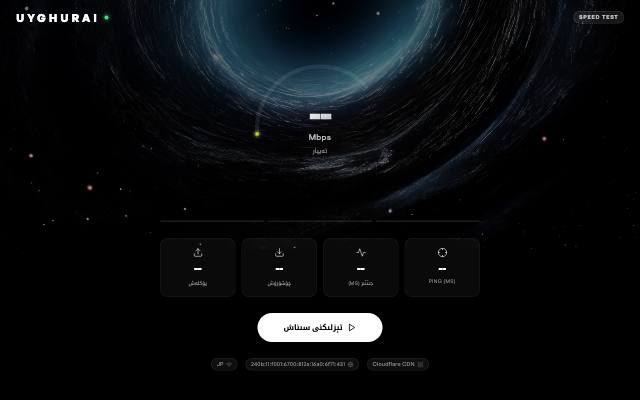
Speed Test is a Uyghur internet speed test that measures download, upload, ping, jitter and latency under load, right in your browser. It works in Uyghur, English, Turkish, Japanese and Chinese.
What is it used for?
A Mbps figure alone doesn't tell you whether your connection is good enough for video calls or gaming. This test explains the result by showing what your connection can handle.
How is it used?
Press "Start speed test". The test measures download speed over six parallel streams, then tests upload and latency. Latency is measured again while the line is fully loaded and graded from A to F, which explains why a video call keeps stuttering.
Who is it for?
Anyone checking the connection at home or at work, or comparing it with the speed their provider promised.
Getting started
- Press the "Start speed test" button.
- Wait for the test to finish — ping, download and upload are measured in turn.
- Check the "What your connection can handle" panel to see whether it copes with 4K video, video calls and online gaming.
- Save the result as an image, or share its link.
Frequently asked questions
- Can I see how my connection changes through the day?
- Yes. Start continuous monitoring and the test repeats at the interval you set, drawing a 24-hour chart. Keep the page open while it runs.
- Are my results stored?
- Your past tests are kept only on your device, for 30 days. Adding your result to the public statistics is optional; if you do, it is collected anonymously and your IP address is not stored.
Also known as
- تېزلىك سىنىقى
- Tézlik siniqi
- Тезлик синиқи
- Speed Test
- تور تېزلىك سىنىقى
- Uyghurche tor tézlik
- internet speed test