
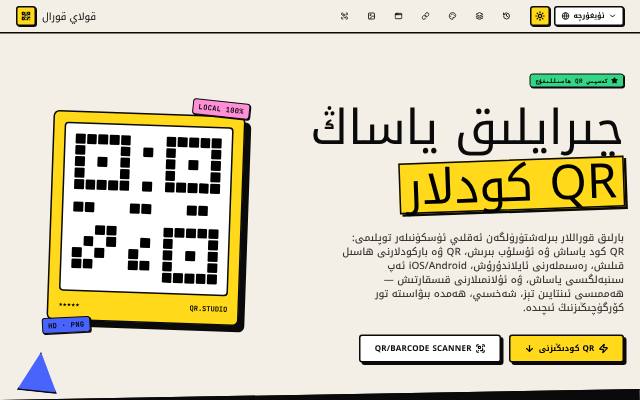
What is this tool?
Power QR is a toolkit that brings QR code creation, scanning and image tools together. Create and download 10 kinds of QR code, including website, Wi-Fi, contact and WhatsApp codes. It works in Uyghur, English, Japanese, Uzbek and Turkish.
What is it used for?
A QR code shares a website, a Wi-Fi password or contact details with a single scan, which is handy for shops, events and business cards. Your QR codes are generated in your browser.
How is it used?
Choose a QR type, fill in the details, pick a style and colours, then download it. The Password type encrypts a secret message with a password and turns it into a QR code. The scanner reads QR codes and barcodes with your camera; the image converter switches between PNG, JPEG and WebP; and the icon maker creates iOS and Android app icons from one image.
Who is it for?
Shop owners, event organisers, teachers and app makers.
Getting started
- Choose a QR type — website, text, contact, password, Wi-Fi, SMS, phone, email, WhatsApp or social media.
- Enter your details.
- Customise the QR code's style and colours.
- Preview it, then download the QR code.
Frequently asked questions
- How does a Wi-Fi QR code work?
- Enter the network name (SSID), the password and the security type. Guests scan the code with their phone camera and join the network without typing the password.
- Is my information sent to a server?
- No; QR codes are generated in your browser. Only when you look up product details from a barcode is that barcode number sent to a product database.
Also known as
- Power QR
- ئۇيغۇرچە QR كود
- QR كود ياساش
- QR kod yasash
- Uyghur QR code generator