
Idrak AI
A workspace for Uyghur AI tools: OCR, speech-to-text, text-to-speech and spell-check.
What is this tool?
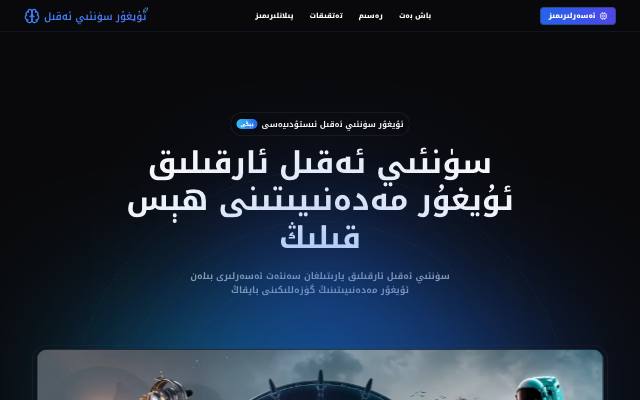
Idrak AI (Idirak AI) is a workspace that brings Uyghur AI tools together. Start OCR, speech-to-text, text-to-speech and spell-checking from one place.
What is it used for?
Uyghur AI tools are spread across separate sites. This workspace lists them by task, such as "extract text from an image" or "convert speech to text", so you can find the right one quickly.
How is it used?
Choose a task on the home page, or press ⌘K / Ctrl+K to search for a tool. OCR, speech-to-text, text-to-speech and spell-check open in their own apps, and each tool's page also suggests the next tools for working on the result.
Who is it for?
Students, teachers, journalists and researchers who work with Uyghur documents, audio and text.
Getting started
- Choose a task on the home page — for example, extract text from an image or convert speech to text.
- Press Open app on the tool's page.
- Upload an image or audio file, or enter text.
- Carry on with the next tool, such as spell-check or text-to-speech.
Frequently asked questions
- Which tools work right now?
- OCR, speech-to-text, text-to-speech and spell-check work, each opening in its own app. AI chat, translation and the dictionary are marked as coming soon.
- How do I find a tool quickly?
- Press ⌘K or Ctrl+K to open tool search, then type what you want to do in Uyghur or English.
Also known as
- ئۇيغۇر سۈنئىي ئەقىل بېتى
- Uyghur sün'iy eqil béti
- Уйғур сүний әқил бети
- Idrak AI
- ئۇيغۇرچە سۈنئىي ئىدراك قوراللىرى
- ئۇيغۇرچە خەت تونۇش
- Uyghur AI tools
- Uyghur OCR
- Idirak AI
Related articles
AI Search Engines — The New Era
Comparing Perplexity, Google AI Overviews and AI Mode, Bing Copilot Search, and ChatGPT search. October 2026
AIRAG & Advanced AI Algorithms — Guide
RAG, vector search, fine-tuning, agents, GraphRAG, prompting, evaluation and memory — with LangChain v1 code
AIWhat Is an LLM Wiki?
A knowledge wiki a language model writes and maintains — not a wiki about LLMs. How it differs from RAG, and how to start one
Related Tools
Yardem
Visual AI agent workflow builder and orchestrator — drag, drop and connect agents to automate tasks.
AI Model
The Uyghur-first UyghurAI model family and its roadmap.
AI OCR
Extract text from images & PDFs with AI. Supports 18+ languages including Uyghur.
Oghuz AI
AI translation between Uyghur and other Turkic languages.