
What is this tool?
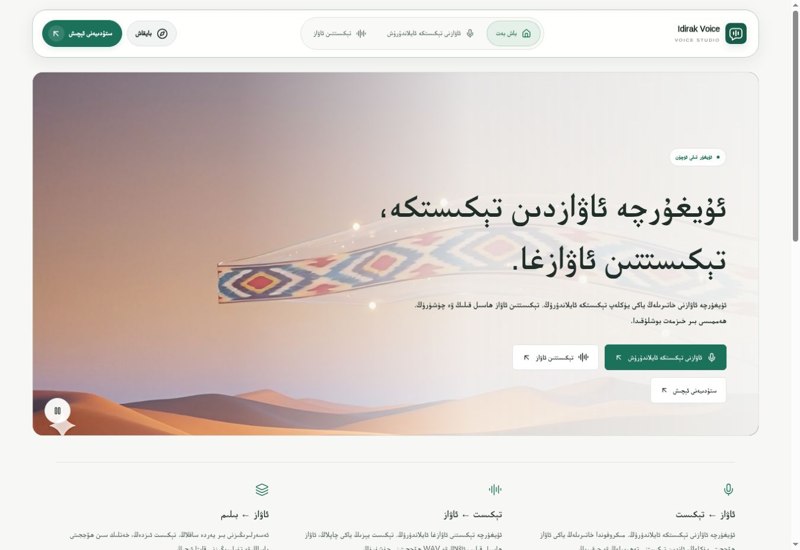
Voice to Text automatically turns spoken Uyghur into written text.
What is it used for?
Speaking is faster than typing. Turning meetings, interviews and lectures into text saves a lot of time and makes recordings searchable.
How is it used?
Upload an audio file or speak directly. Audio with little background noise and one clear speaker gives the best result.
Who is it for?
Journalists, students, researchers and anyone who takes a lot of notes.
Getting started
- Open the tool, then upload an audio file or speak into the microphone.
- Wait while the audio is converted to text.
- Read the result, check names and technical terms, then copy it where you need it.
Frequently asked questions
- What is speech recognition (ASR)?
- Automatic speech recognition (ASR) is AI technology that turns spoken audio into written text. It is used to transcribe meetings, interviews and lectures.
- How can I get a more accurate transcript?
- Record somewhere quiet, keep the microphone close and speak clearly at a steady pace. Audio with one speaker at a time gives the best result.
Also known as
- ئاۋازنى تېكىستقا
- Awazni tékistqa
- Авазни текистқа
- Voice to Text
- ئاۋازنى تېكىستقا ئايلاندۇرۇش
- ئۇيغۇرچە ئاۋاز تونۇش
- Uyghurche awaz tékistke
- Uyghur speech to text
- Uyghur voice to text
Terms behind this tool
Related Tools
Y
AIYardem
Visual AI agent workflow builder and orchestrator — drag, drop and connect agents to automate tasks.
A
AIAI Model
The Uyghur-first UyghurAI model family and its roadmap.
A
AIAI OCR
Extract text from images & PDFs with AI. Supports 18+ languages including Uyghur.
O
AIOghuz AI
AI translation between Uyghur and other Turkic languages.