
What is this tool?
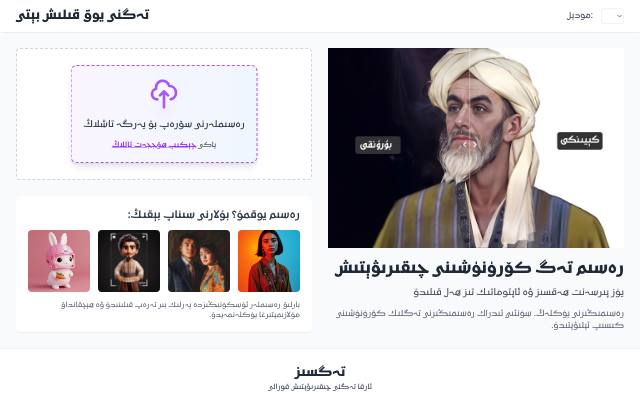
Background Remover removes an image's background in one click. The image is processed inside your browser and is never uploaded to a server.
What is it used for?
Removing backgrounds is common for product photos, profile pictures and design work. Processing the image on your own device, without sending it anywhere, protects your privacy.
How is it used?
Upload an image and an AI model separates the background automatically. Download the result with a transparent background, or with a colour or image background of your choice.
Who is it for?
Online sellers, designers, students and anyone preparing a profile picture.
Getting started
- Upload an image.
- Wait while the background is removed automatically.
- If you like, choose a new background colour or image.
- Download the result with a transparent or coloured background.
Frequently asked questions
- Is my image uploaded anywhere?
- No. Background removal happens inside your browser; the image is never uploaded to a server.
- What can I replace the background with?
- A colour or an image of your choice, or you can leave it transparent.
Also known as
- تەگسىز
- Tegsiz
- Тәгсиз
- Background Remover
- رەسىم ئارقا كۆرۈنۈشىنى چىقىرىش
- remove image background