
Resimger
Convert, resize and compress images: WebP, AVIF, PNG, JPG, TIFF and GIF.
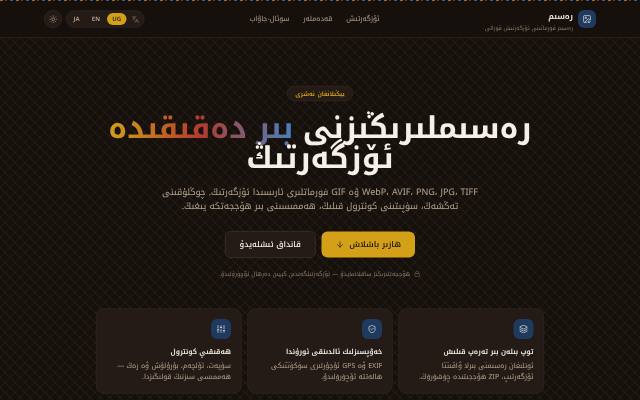
What is this tool?
Resimger is a free tool for converting, resizing and compressing images. Convert batches of images between WebP, AVIF, PNG, JPG, TIFF and GIF.
What is it used for?
The web, social media and print each need different formats and sizes. Resimger handles them in one place, with a Uyghur interface, and uploaded images are never stored on the server.
How is it used?
Drag images in, browse for them, paste from the clipboard with Ctrl/Cmd+V or enter a URL. Set the target format, quality, size and rotation, or pick one of six presets: Web, Social, Thumbnail, Print, Archive and Smallest. Download the results one by one, as a ZIP, or as a single PDF.
Who is it for?
Web builders, designers, teachers and anyone who needs to shrink an image or change its format.
Getting started
- Drag, browse for or paste your images.
- Choose a target format, or use one of the presets.
- Adjust quality, size and rotation if you need to.
- Download the converted images individually, as a ZIP, or as a PDF.
Frequently asked questions
- Are my images kept?
- No. Uploads are held in memory only while they are converted and are never written to disk. EXIF and GPS data are removed by default, and you can choose to keep them.
- Is there a file size limit?
- Each image can be up to 25 MB. Animated GIF and WebP images keep every frame.
Also known as
- رەسىمگەر
- Resimger
- Рәсимгәр
- رەسىم فورمات ئالماشتۇرۇش
- رەسىم پىرىسلاش
- WebP AVIF converter
- Uyghur image converter